TV Stands & Mounts
Shop by Category


Shop All TV Stands
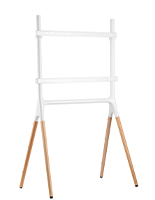


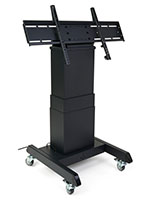
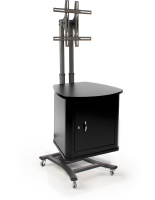


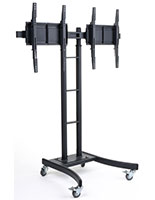

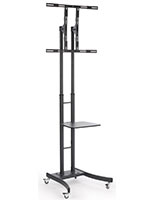

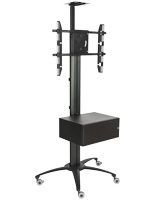
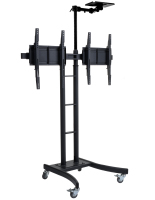
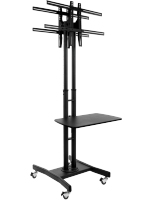


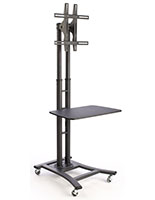
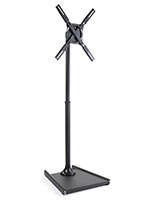
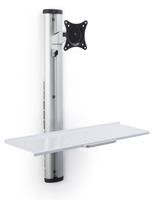
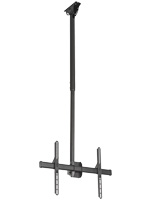


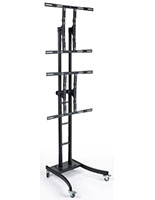
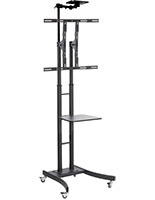
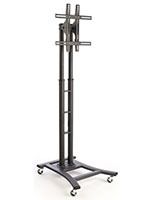
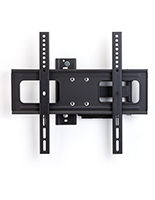
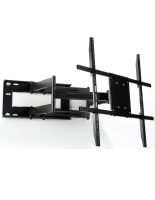


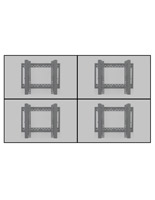


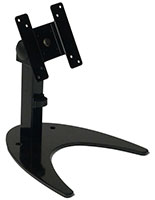
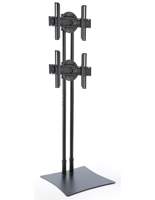

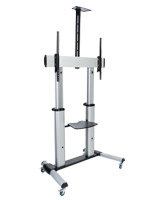


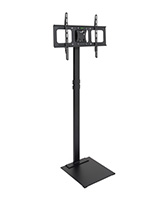
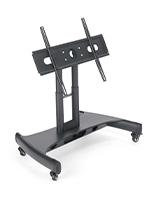
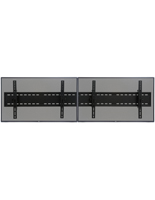

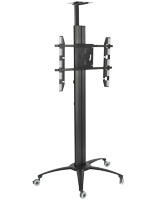
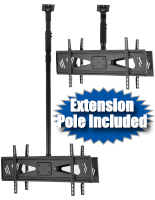


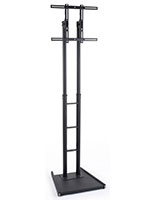
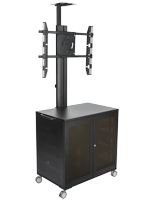
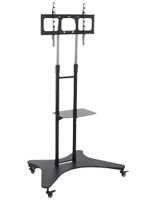

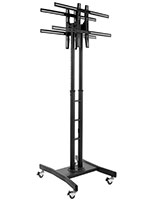

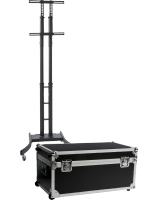

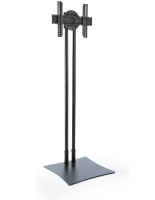
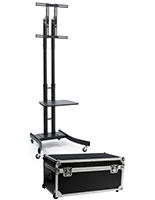
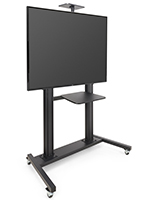


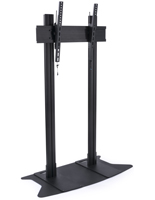
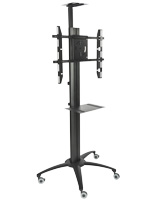

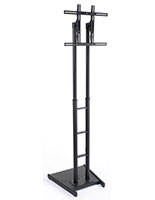
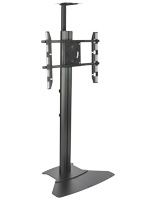


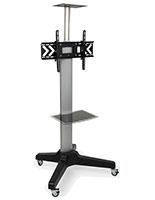

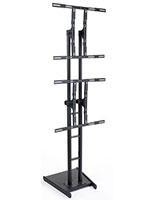


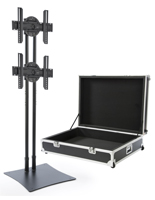


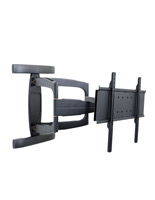


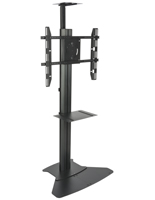
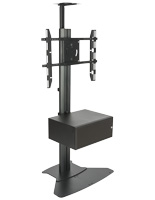




TV Stands & Mounts For Offices, Schools & Events
Find The Right Mounting Style For Your Location
TV Floor Stands
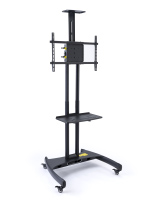
Mobile and stationary TV floor stands are ideal when you need flexible placement or frequent room changes. Rolling TV stands include lockable casters for smooth transport, height‑adjustable posts, tilting or rotating brackets, AV and camera shelves for conferencing, and integrated power or cord winders on select units. Choose heavy‑duty frames, artistic wood designs for customer‑facing venues, and secure cabinet styles for storing media gear.
Wall, Ceiling & Desktop Mounts
Save floor space with low‑profile wall mounts, full‑motion articulating arms, and height‑adjustable ceiling mounts for high‑visibility installs. Desktop and workstation mounts support smaller monitors, dual‑screen workflows, and sit‑stand ergonomics. Many mounts offer tool‑assisted tilt, pan, and 360° rotation, plus VESA‑standard compatibility from small form factors to large panels.
Video Walls & Multi‑Monitor Systems
Build dynamic menus, dashboards, and immersive video walls with 2x2, 3x2, and 3x3 solutions, including freestanding rolling frames and precision wall grids. Look for micro‑adjustment, pop‑out service access, rear media shelves, and robust weight capacities to keep alignment tight in public, production, and event environments.
Common TV Stand and Mount Features and Options
- VESA Compatibility – Supports common patterns from small 75x75 up through 600x400 and beyond on select models. Always match VESA, weight, and screen size before purchasing.
- Monitor Size Ranges – Options for 10"‑32" desktops, mainstream 32"‑70" displays, and heavy‑duty carts and stands for 60"‑105" screens.
- Adjustability – Tilt for glare control, swivel and pan for off‑axis viewing, portrait‑landscape rotation on supported brackets, and preset or tool‑adjusted height ranges.
- Mobility and Safety – Locking casters, weighted bases, floor‑bolt plates, bracket locks, and anti‑theft features help protect equipment in high‑traffic areas.
- Cable Management – Hollow posts, internal channels, and clip systems route power and signal neatly for clean, professional installs.
- Conferencing Add‑Ons – TV stands with AV shelves, camera trays, integrated power strips, and surge protection on select SKUs streamline hybrid meetings.
TV Stand Use-Cases Across Industries
Whether you’re presenting in a conference room, guiding visitors with digital directories, or engaging crowds at events, you’ll find a mounting solution that matches your environment, screen size, and workflow. Browse mobile carts for multiroom sharing, low‑profile wall mounts for permanent installs, and weather‑rated outdoor wall mounts for patios and stadium pathways.
- Corporate & Education – Meeting rooms, training labs, huddle areas, classrooms, and lecture halls.
- Retail & Hospitality – Menus, promotions, and wayfinding in stores, malls, hotels, and restaurants.
- Events & Trade Shows – Knock‑down TV stands with cases, dual screens, and quick setup accessories.
- Healthcare & Government – Lobbies and information centers with secure storage and ADA‑friendly sightlines.
- Public Spaces – Video walls for dashboards, schedules, and live content in venues and campuses.
Before You Buy
Start with three checks: VESA pattern on your display, screen size range, and weight capacity of the stand or mount. Decide on placement type (floor, wall, ceiling, desk) and confirm your surface and fasteners match the installation. If you need mobility, choose lockable casters and verify doorway clearance and base height if rolling under furniture. For conferencing, look for shelves, camera trays, and integrated power. For portrait content, ensure your bracket supports rotation and that height adjustments are sufficient for sightlines. Most units are designed for indoor use; choose a weather‑rated wall mount if installing outdoors. When in doubt, confirm with your facilities team or contact our customer support team with your TV’s VESA, size, and weight.
Frequently Asked Questions
Match three specs: the TV’s VESA pattern (hole spacing on the back), the screen size range the mount supports, and the maximum weight. Brand names are less important than these standards. If your panel is curved or you need portrait orientation, confirm the bracket supports those use cases.
VESA defines the horizontal x vertical millimeter spacing of the mounting holes on your display, such as 200x200 or 400x400. It’s usually listed in your TV’s manual or specs. Your mount must list the same pattern to be compatible.
Many brackets support portrait‑landscape. Some rotate tool‑free, others require loosening a knob or screws, and certain models are landscape‑only. Check the product’s “Rotation” and “Orientation” details if you present vertical content.
Mobile carts include locking casters for smooth transport and stability during use. Some heavy‑duty bases are weighted and can be bolted to the floor if needed. Always lock casters before presentations and in high‑traffic areas.
Wall mounts typically include hardware for common surfaces, but best practice is to install into wood studs or use the correct anchors for concrete/brick. For drywall‑only installations, consult a professional and follow the product’s hardware guidance.
Height is usually specified either as a center‑of‑screen or center‑of‑bracket measurement from the floor. Many carts offer preset ranges. Always factor your panel’s overall height and VESA location to estimate bottom and top clearances.
Fixed mounts keep screens close to the wall. Tilt mounts angle up or down to reduce glare. Full‑motion/articulating arms extend, pan, and swivel for corner or multi‑seat viewing. Check the product’s degree ranges and wall‑to‑screen distance.
Some models accept optional shelves or camera trays, while others are not configurable. Replacement wheels or brackets may be available. If you need add‑ons or spares, contact our customer support team with your SKU so we can confirm part availability.
Floor stands and most indoor mounts are designed for indoor use. For patios or exposed areas, choose a weather‑resistant outdoor wall mount with corrosion‑resistant finishes and tamper‑resistant hardware. For an all-in-one solution, shop our outdoor digital signage solutions.
Many stands include internal cable channels, clips, or cord winders. Select carts integrate power strips, surge protection, or extended cords so only a single line runs to the wall for a clean setup.
Yes. Look for models with a camera shelf, AV shelf, and secure storage. Some heavy‑duty carts include rack space, surge protection, and dual mounts for side‑by‑side displays.
We carry collapsible, trade‑show‑ready stands with travel cases and foam‑lined interiors. These break down into major components for shipping and fast setup on site.